Your week and
your deadlines,
always in sight.
Three small widgets that live on your desktop.
Deadlines sort themselves and remind you in time.
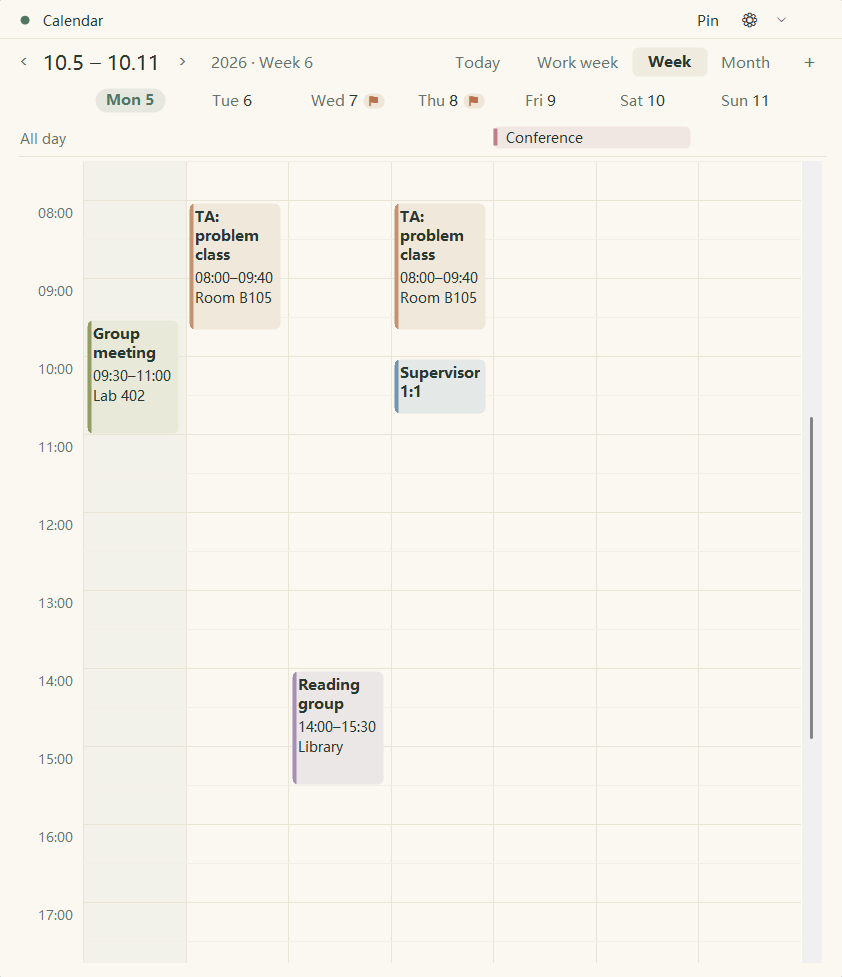 Syncs your Outlook calendar
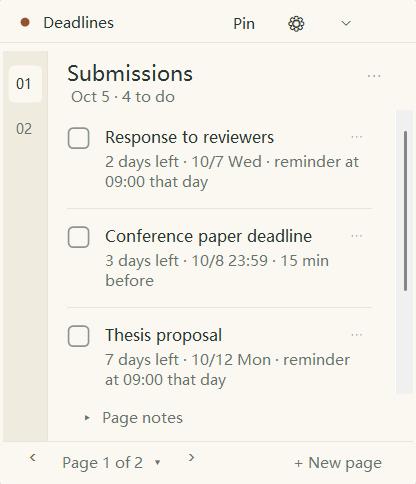 ⚑ Sorted by due time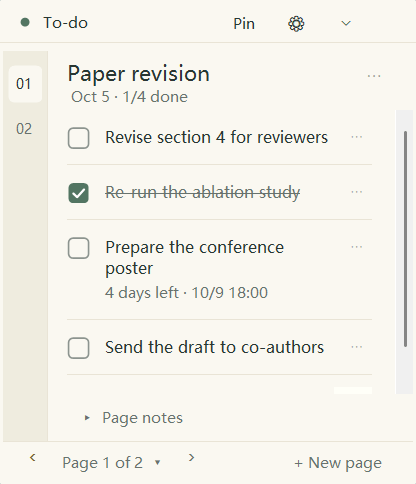
Deadlines that
line themselves up
The most urgent stays on top, done ones sink. Days with a deadline get a little flag on the calendar.
Your school calendar,
synced in
Paste the link of a published Outlook calendar and seminars and office hours appear next to your classes. Read-only: your Outlook is never changed.
Five looks,
one click away
These notebooks work: tick, turn pages, double-click to edit, add tasks.
White with hairlines. The simplest.
The small things,
thought through
All-day events
Exam weeks and breaks, across several days.
Double-click to edit
Click anywhere else and it is saved.
One click away
The taskbar button brings the widgets forward.
Reminders on time
Lead time per task; missed ones arrive later.
Teaching week
The calendar shows which week of term it is.
English / 中文
Switch the interface any time.
This term, stop keeping
deadlines in your head
Download for Windows
v1.6.1 · Windows 10 / 11 · about 630 KB · unzip and run
If Windows stops it the first time: More info → Run anyway